Interactive demos
Click through GivePanel at your own pace. Pick the type of fundraising your team runs. Each demo takes about two minutes to click through, and you can forward them onto a colleague too.
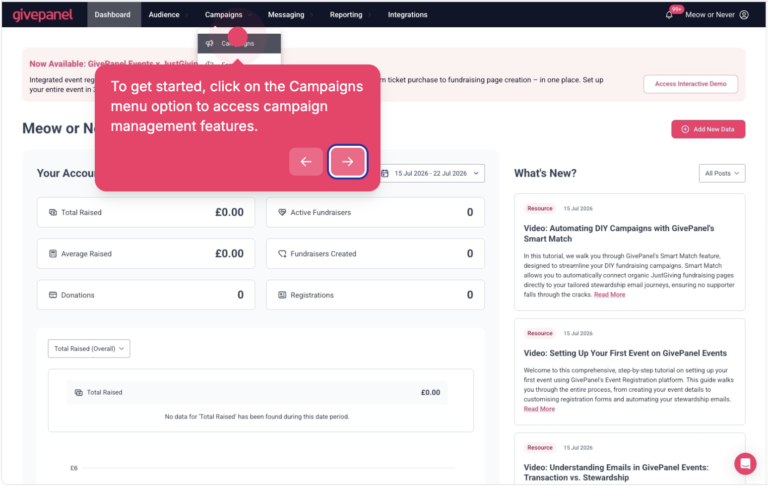 For challenge teams
Virtual Challenges
Registration forms, fundraising pages on JustGiving, Facebook and GoFundMe, and the automated emails that keep fundraisers going to their final total.
Try the demo →
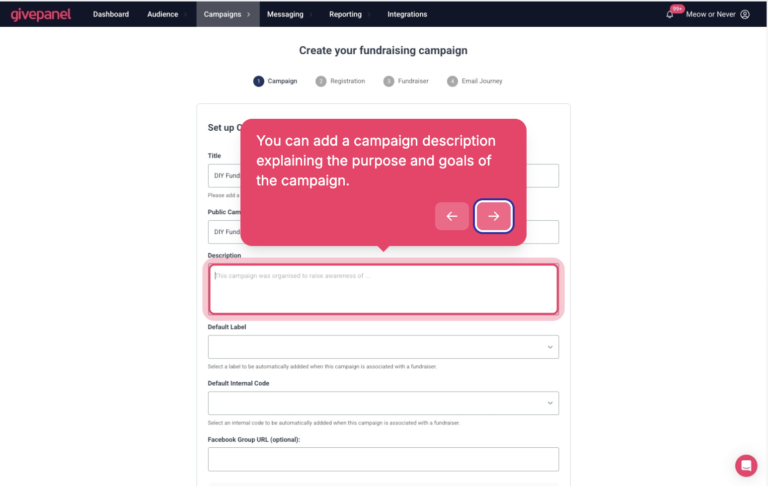 For community teams
DIY Fundraising
One-step registration, Smart Match for fundraisers who skip your form, and every bake sale and birthday fundraiser in one place.
Try the demo →
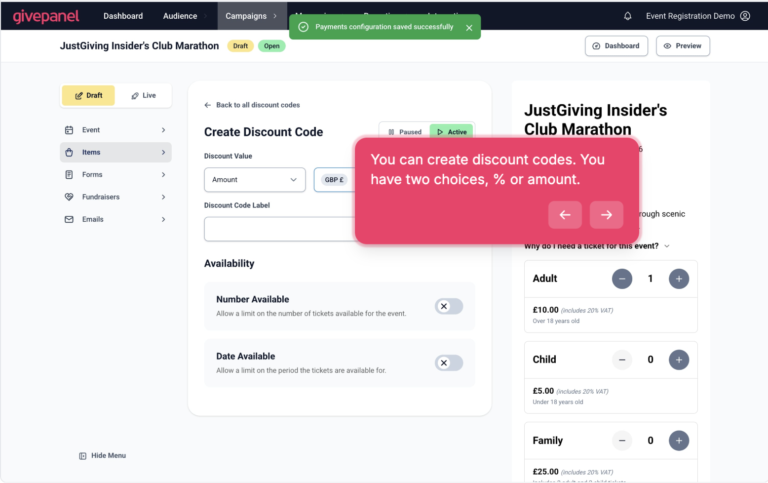 For events teams
GivePanel Events x JustGiving
Tickets, registration and JustGiving fundraising pages in one journey, for your own events and places in third-party events.
Try the demo →
In each demo you’ll see the registration form your supporters land on, how their fundraising page is created without them leaving the journey, the automated emails that keep them going, and the reporting your team works from.
Want a walkthrough using the events, challenges and campaigns already in your calendar?