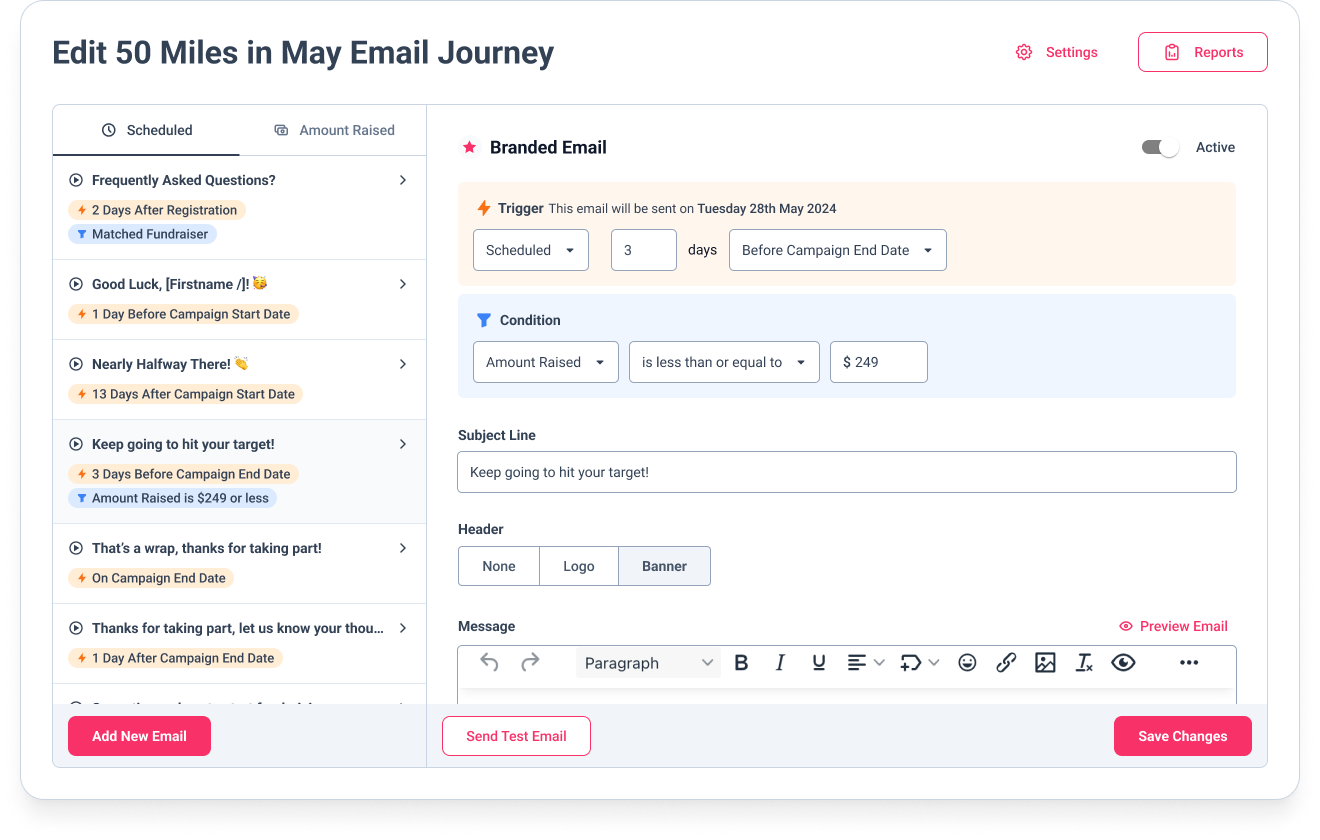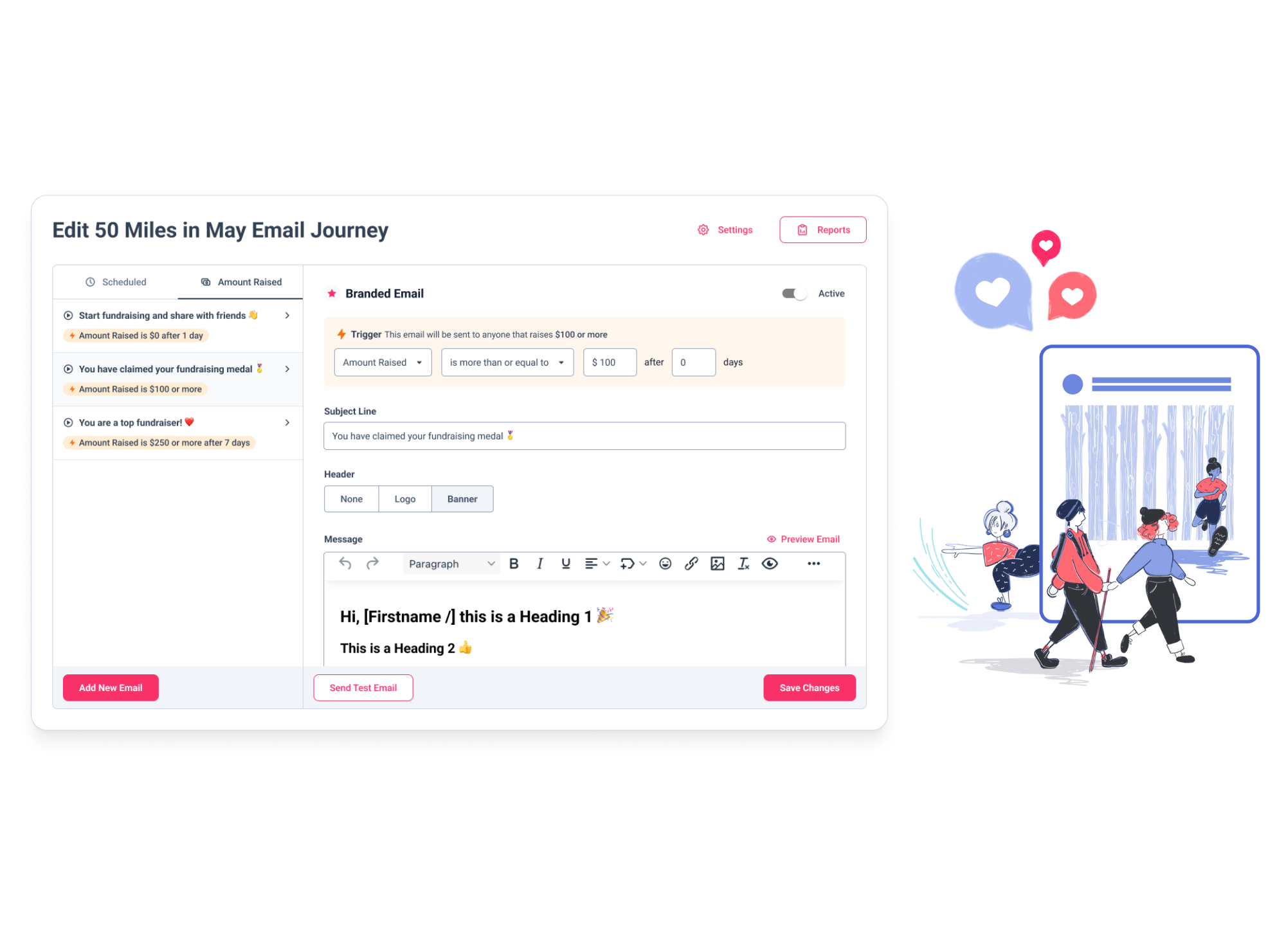
Screenshot of a GivePanel branded email journey builder for a 50 Miles in May challenge, beside an illustration of two people walking outdoors

Run virtual challenges and charity-owned events that raise more

Run charity-owned events and virtual
challenges with high-converting registration forms, automated email journeys and
seamless integrations. Boost participation
and fundraising across your virtual or
in-person challenges.

Seamless event management,
from registration to results.
Customisable Forms
Custom Triggers and Conditions
Integrations
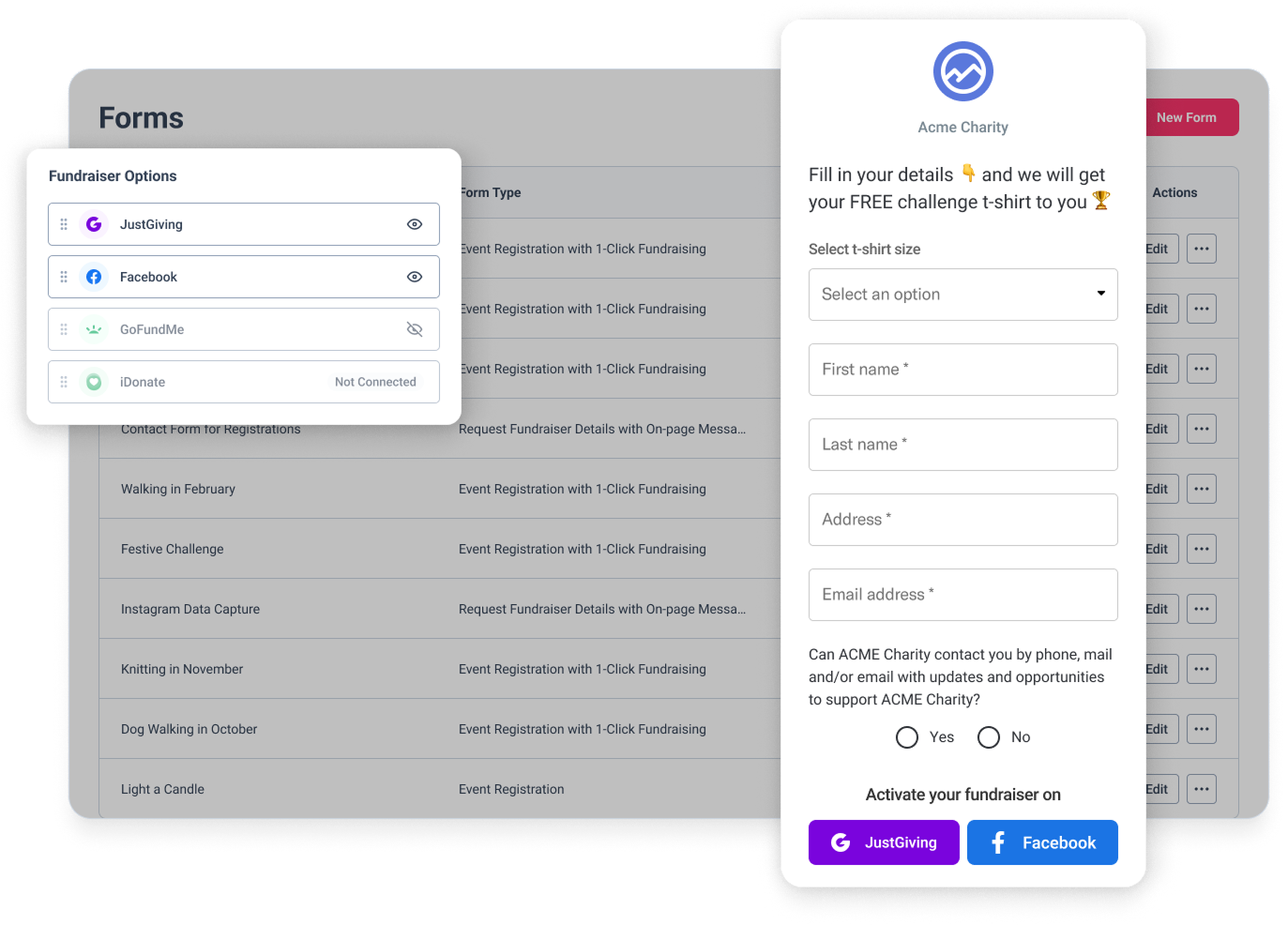
  • High-Converting Registration Forms

    Collect rich supporter data with customisable, mobile-optimised forms. Enable better segmentation and communication, all while delivering a smooth sign-up experience.

  • Automated Email Journeys

    Nurture participants from registration through event completion with targeted, timely communications that boost engagement and maximise fundraising potential.

  • Platform Integrations

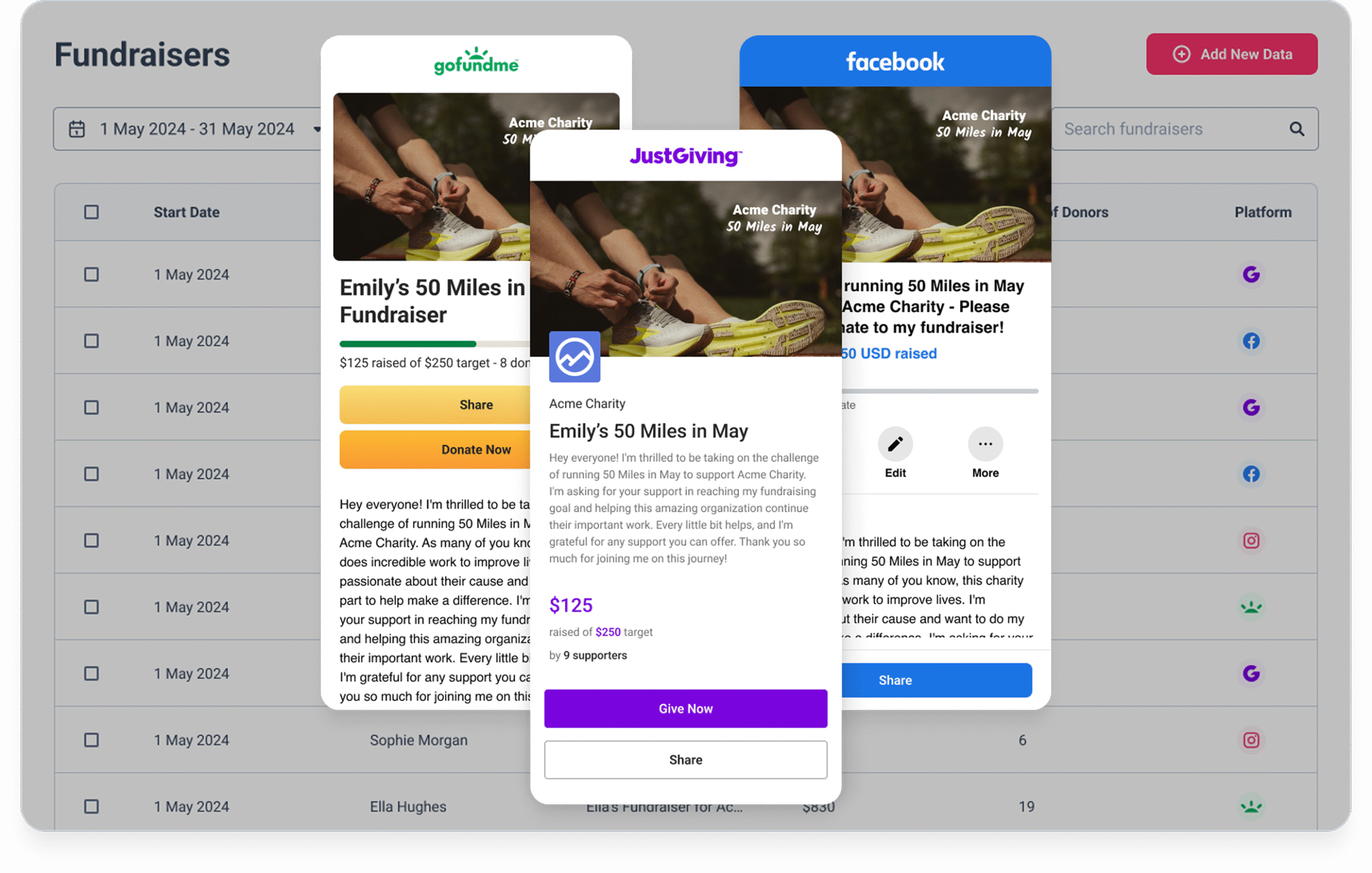
    Connect effortlessly to JustGiving, GoFundMe and Facebook, letting supporters choose where to fundraise while you track everything in one place.

Driving impact,
making a difference
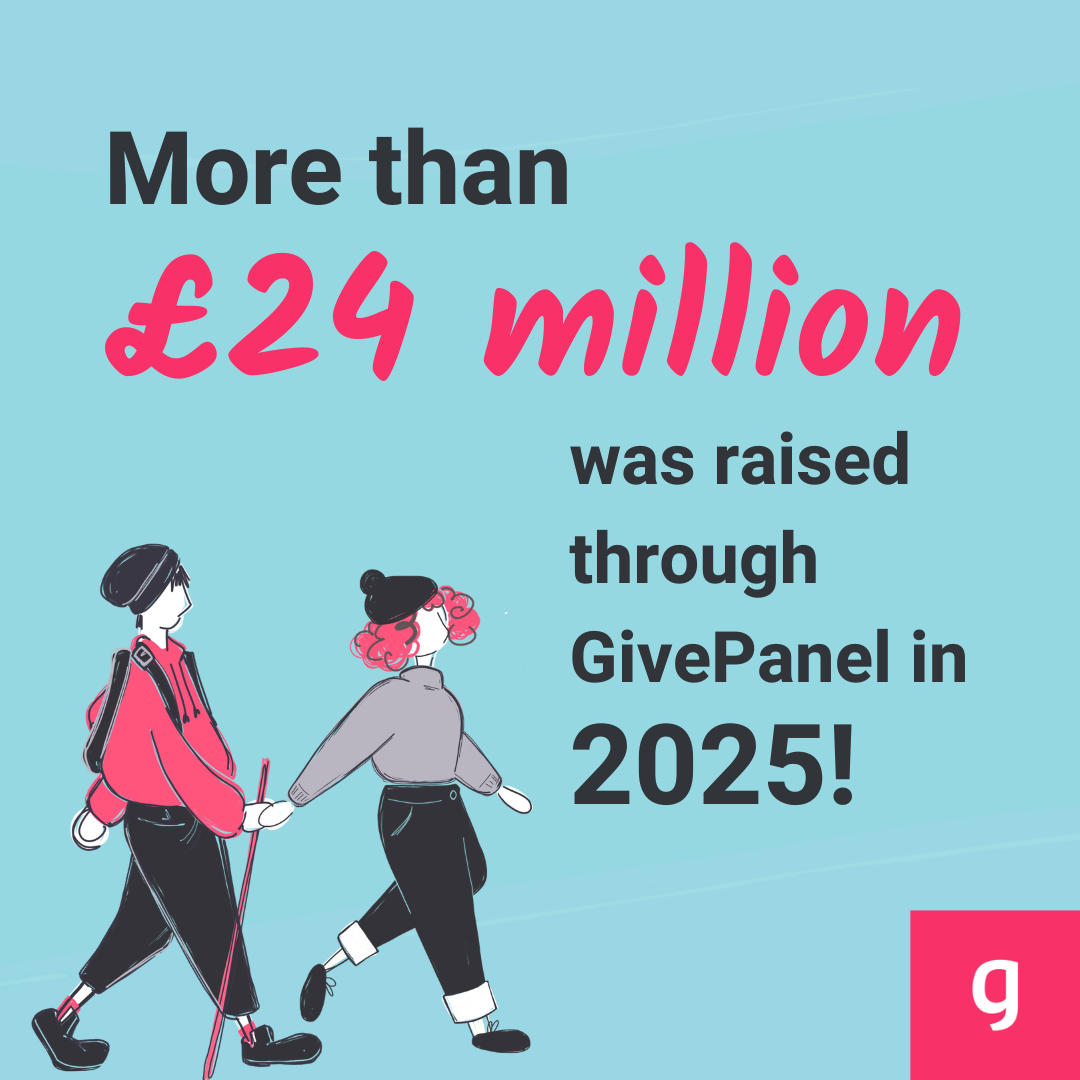
Illustration of two supporters walking together, part of a stat card showing funds raised through GivePanel in 2025
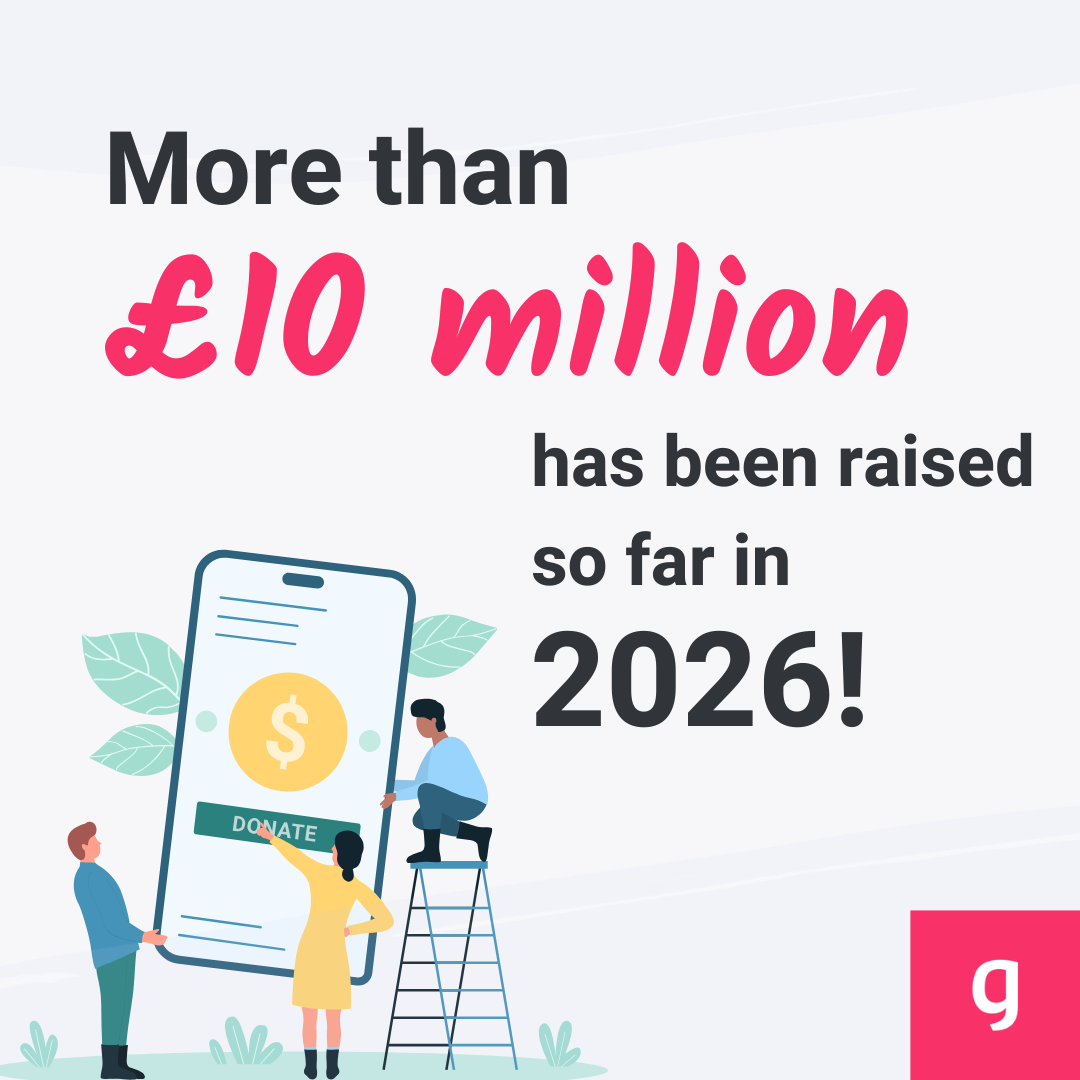
Illustration of a supporter donating via mobile phone, part of a stat card showing funds raised through GivePanel in 2026
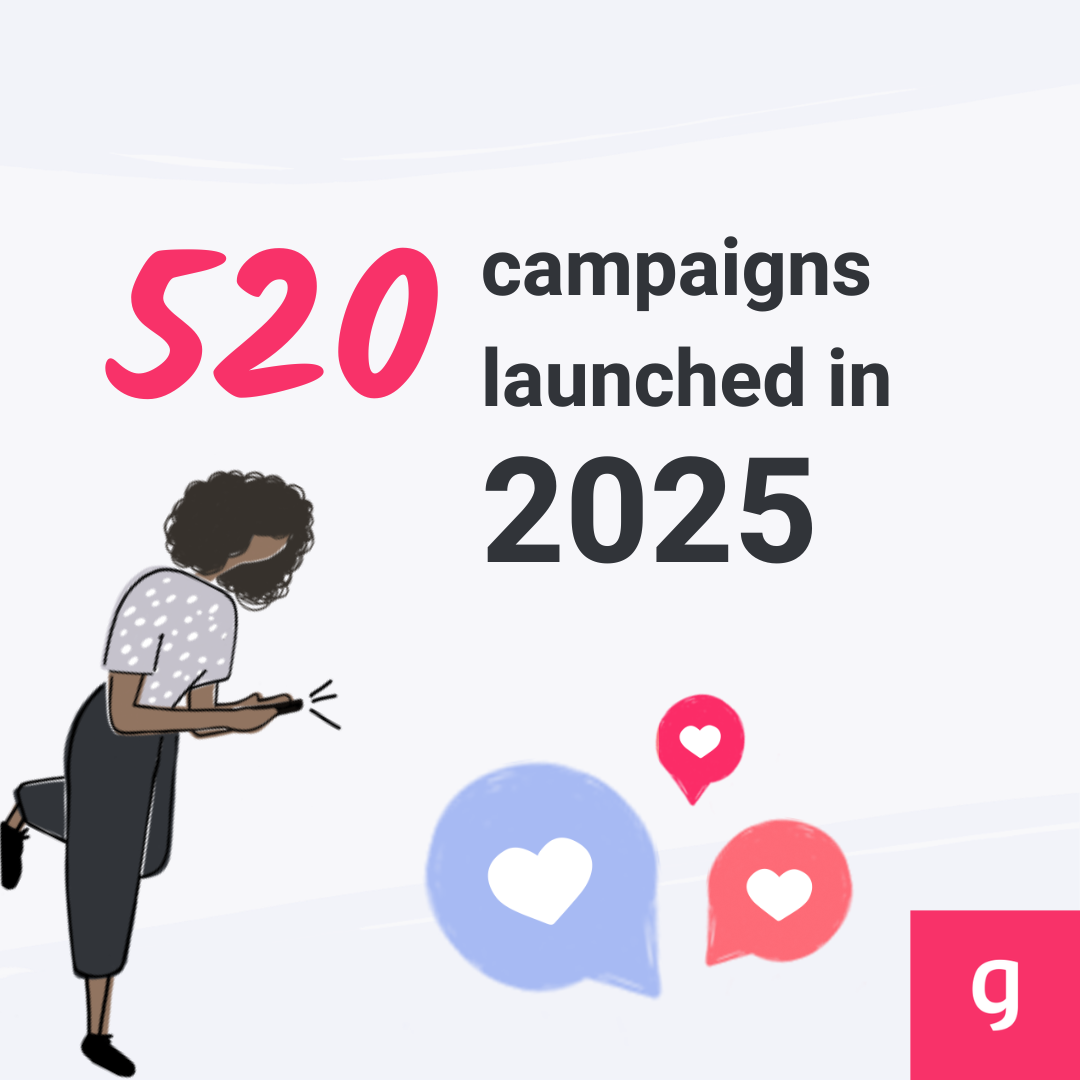
Illustration of a supporter with chat and heart icons, part of a stat card showing campaigns launched through GivePanel in 2025
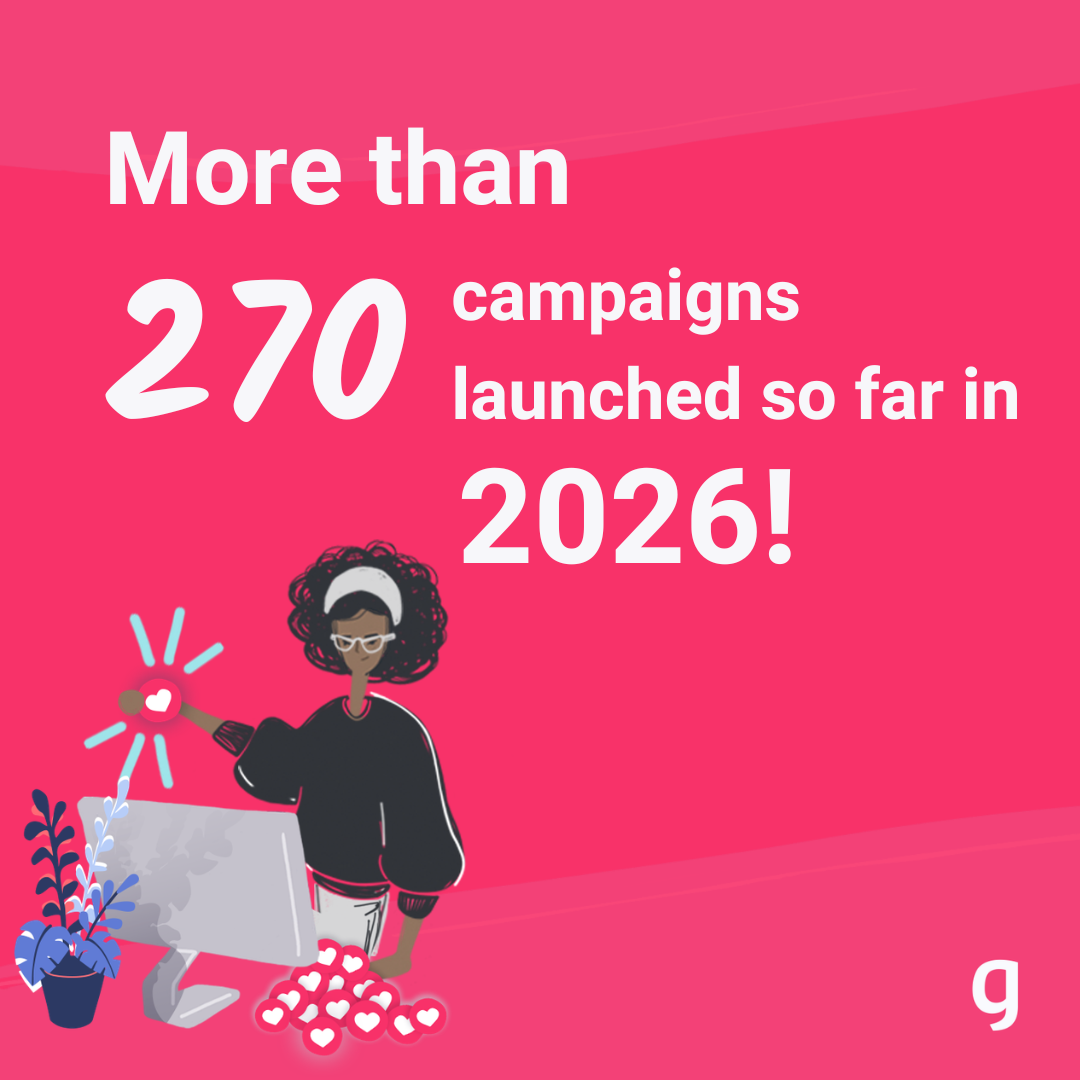
Illustration of a supporter at a laptop, part of a stat card showing campaigns launched through GivePanel in 2026

Powerful tools to enable successful campaigns & challenges

Multi-Platform Fundraising

Enable supporters to fundraise on their preferred platforms with one-click activation across JustGiving, Facebook, and more, maximising participation and donation potential.

Customisable Registration Forms

Create high-converting, mobile-optimised registration forms with address validation and multiple fundraiser options to capture comprehensive participant data and boost conversions.

Automated Supporter Journeys

Nurture participants from registration through completion with targeted, timely communications that drive action and increase average fundraising amounts.

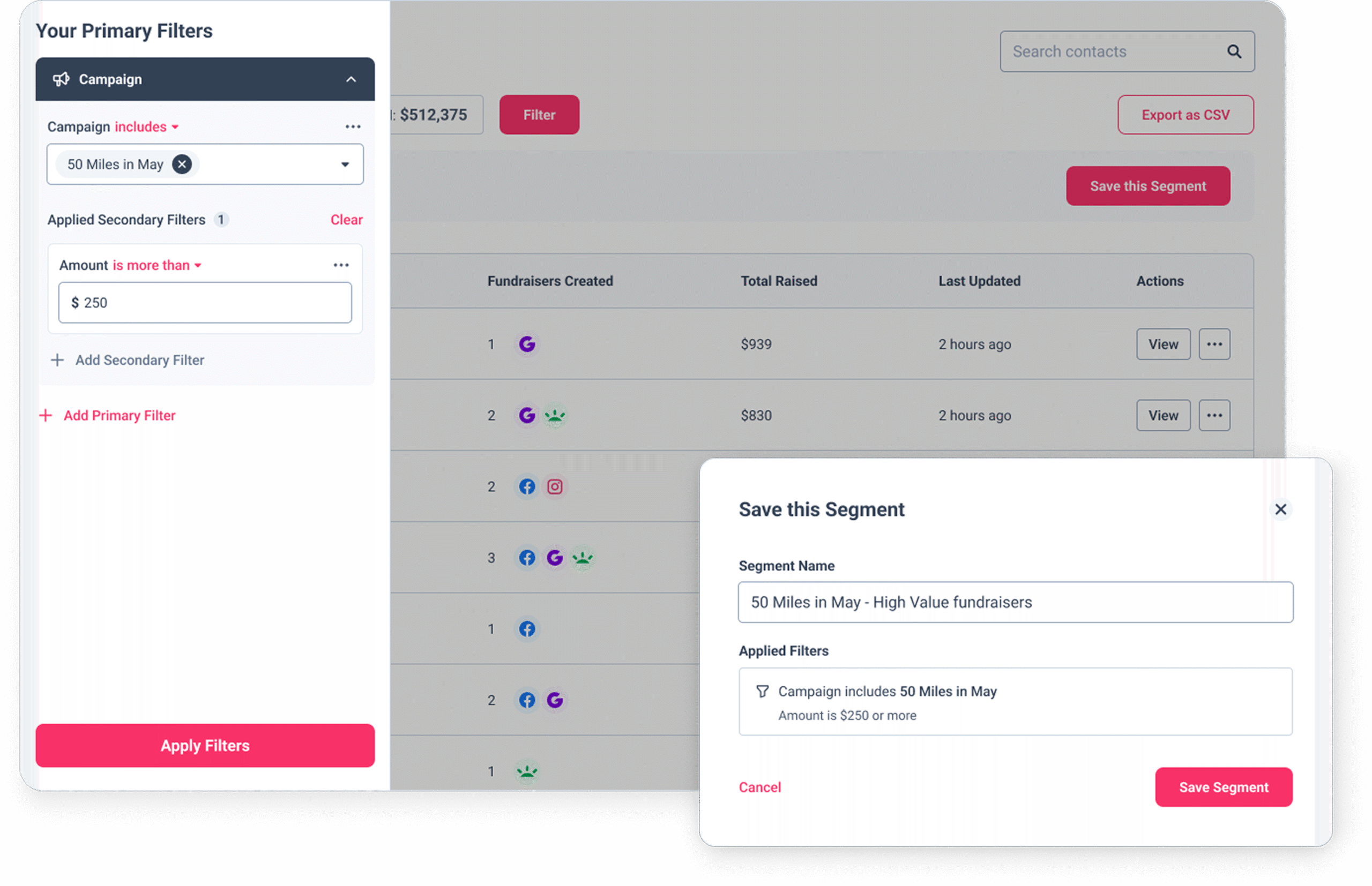
Advanced Audience Segmentation

Filter and organise supporters into strategic segments based on fundraising activity, allowing for personalised communications that drive better fundraising results.

Comprehensive Performance Dashboards

Track key metrics across all platforms in a unified view, monitoring conversion rates and fundraising progress to optimise campaigns in real-time.

Embedded Website Integration

Place registration forms directly on your website with simple iframe code, creating a seamless supporter experience that maintains your branding and increases conversions.

Real results from
nonprofits like yours.

Mockup of GivePanel's Virtual Challenge Playbook guide

Get the complete Virtual Challenge Playbook

Planning your next virtual challenge? Our Virtual Challenge Playbook provides the step-by-step framework you need for success.

Created in partnership with Bluestep Solutions, Social AF, and the Digital Fundraising Academy, this comprehensive guide covers everything from high-converting Meta Ad strategies to community stewardship that drives results.

Tools to maximise participation and activation
Multiple Fundraising Platforms
Advanced Filters and Segments
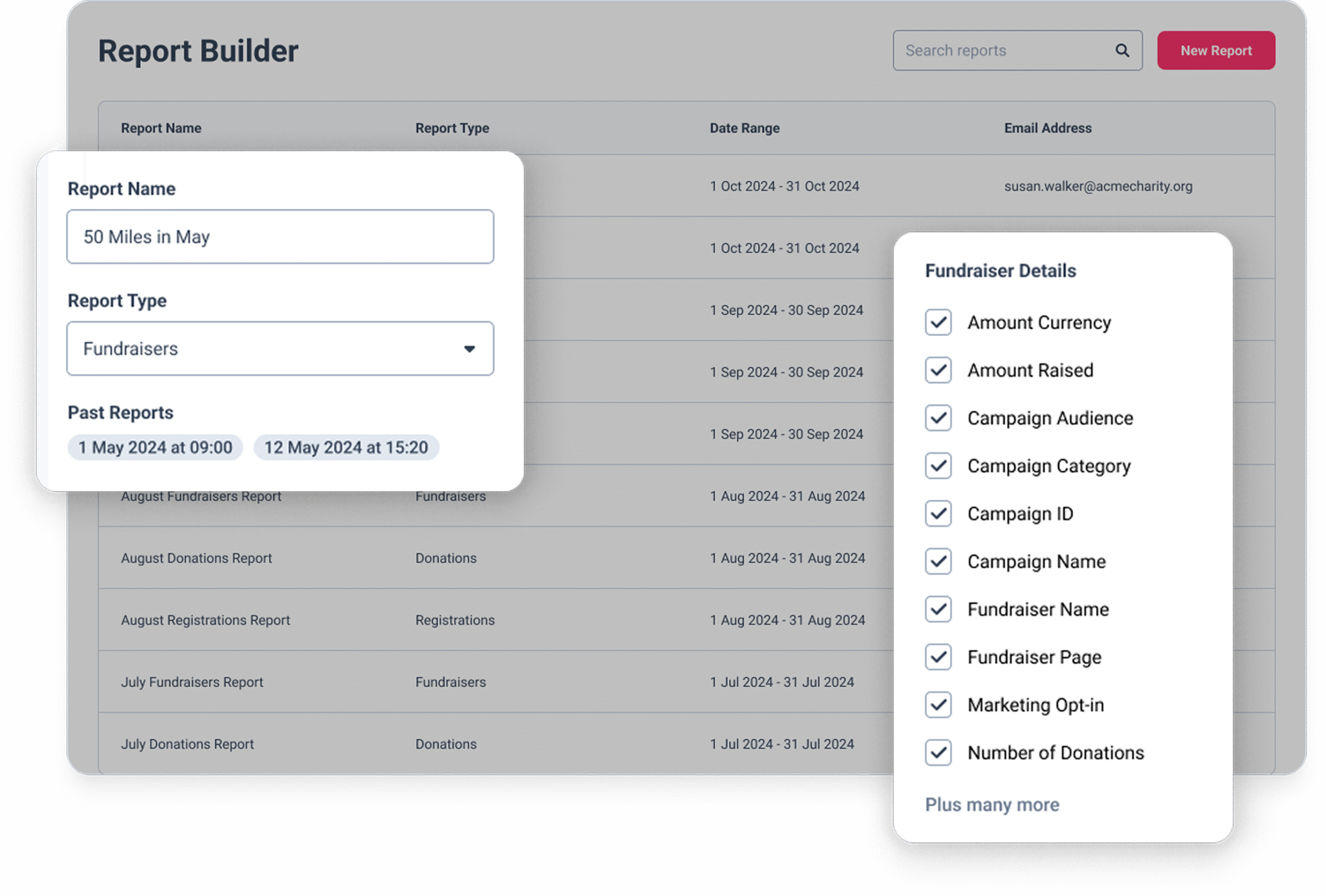
Report Builder
  • Icon representing high-converting registration forms
    Integrated Fundraising Solutions

    Multiple Fundraising Platforms, Campaign Builder, Customisable Forms, Fundraiser Matching, Lead Ad Performance and more

  • Mail icon representing automated email journeys
    Intelligent Fundraiser Nurturing

    Advanced Filters and Segments, Automated Email Journeys, Custom Triggers and Conditions, Lead Specific Email Journeys, On-page Messaging and more

  • Report Icon
    Revenue-Focused Reporting

    Unified Contact Profiles, Campaign Dashboards, Report Builder, Email Reporting, Custom Integrations, API’s and more

Frequently Asked Questions

How do charities run a successful virtual challenge fundraising campaign?
The most successful virtual challenges (read our guide for more info) share a few things in common: a clear, motivating challenge concept; a registration process that gets supporters committed and fundraising quickly; timely communication that keeps them motivated through the campaign; and reliable data to understand what’s working. The biggest drop-off point is between registration and fundraising page creation – the faster and easier that step is, the more of your registrants actually start raising money. Automated email journeys that prompt page creation immediately after registration consistently make the biggest difference to activation rates.

What’s the most effective way to get event participants to create a fundraising page?
Two things matter most: speed and timing. If creating a fundraising page takes more than a minute or requires leaving your registration flow, a significant proportion of supporters won’t complete it. GivePanel’s Custom Fundraiser link lets supporters set up a pre-filled fundraising page in a single click – cover image, title, and end date already configured. Paired with an automated email that arrives shortly after registration prompting them to create their page, this consistently moves more registrants into Active Fundraisers.

How do you keep virtual challenge supporters engaged throughout an event?
The key is communicating at the right moment for each supporter, not on a fixed schedule for everyone. Supporters who have raised nothing need a different message to those who’ve hit 50% of their target. GivePanel’s automated email journeys can be triggered by registration date, amount raised, campaign dates, and supporter characteristics – so each person gets a relevant, timely nudge rather than a generic broadcast. Milestone messages (congratulating supporters when they hit a fundraising target) are particularly effective at keeping momentum going.

Which fundraising platforms can supporters use for a GivePanel event?
GivePanel supports JustGiving, GoFundMe, Facebook, iDonate, and PayPal Giving Fund. Supporters can choose their preferred platform when they register, and your team sees data from all of them in one place. JustGiving data imports automatically on a daily basis. GoFundMe data is imported manually. You can enable whichever combination of platforms makes sense for your audience.

Can I run both virtual and in-person events with GivePanel?
Yes. GivePanel supports both virtual challenges (like step challenges, cold water dips, and distance challenges) and in-person charity-owned events. The registration and fundraising infrastructure works across both. For in-person events with ticketing, registration payments, and a full event journey, GivePanel Events x JustGiving is the dedicated solution. See why charities choose GivePanel →

Can I embed a registration form directly on my website?
Yes, for DIY and Virtual Challenge campaigns, registration forms can be embedded on your website so supporters never leave your page to register. This requires the embedded forms add-on to be enabled on your account, and your website domain to be added to your allowed domains list. Contact the GivePanel support team to set this up.

What is a Custom Fundraiser link?
A Custom Fundraiser link (formerly called 1-Click) is a unique link that creates a preconfigured fundraising page for a supporter in a single click – with your campaign’s cover image, title, and end date already filled in. Supporters skip the setup and go straight to fundraising. It works across JustGiving, GoFundMe, and Facebook, and can be shared anywhere: in emails, Facebook posts, registration confirmation pages, and paid ads.

How do I track fundraising across JustGiving and Facebook in the same place?
GivePanel imports and unifies fundraising data from JustGiving and Facebook automatically, giving you a single view of total raised, Active Fundraisers, average raised, and donation data across both platforms. You can filter, segment, and export this data from your GivePanel account without needing to log into each platform separately. For GoFundMe campaigns, data is imported manually but appears in the same reporting view once imported.

Ready to take your
challenges further?

Let’s discuss how GivePanel can help

    Charity-Owned Events & Virtual ChallengesDIY and Supporter-Led FundraisingThird Party Events

    From time to time, we would like to contact you with marketing information about our products and services, as well as other awesome content that may be of interest to you. If you do not want to hear from us in this way, please tick the box below.

    I do not want to receive marketing emails from GivePanel 🙁

    GivePanel is committed to protecting and respecting your privacy. You can unsubscribe from these communications at any time – for more information see our Privacy Policy.