
How GivePanel’s Smart Match Feature Catches the Fundraisers You’re Currently Missing
Every DIY campaign has a blind spot: supporters who set up a JustGiving page directly, without ever clicking through your website. They’re fundraising for you, but until now they’ve been invisible to your reporting and left out of your supporter journeys.
Smart Match closes that gap automatically. It matches JustGiving-direct fundraisers back to your campaign, so your team gets complete visibility and every fundraiser is pulled into stewardship – not just the ones who registered through your forms.
How Smart Match works
Smart Match runs on the daily JustGiving import. Every time your JustGiving data comes into GivePanel, it checks for organic fundraisers, meaning the ones created outside your GivePanel forms, and looks at the event type each supporter chose.
When that event type matches the event type on one of your DIY campaigns, three things happen automatically. A registration is created for the fundraiser, which enrols them in that campaign’s email journey. Their fundraising total is attributed to the right campaign, so your dashboard reflects what they have raised. And they are tagged so you can filter for them in your Fundraiser List and see exactly who came in this way.
Nobody on your team touches any of it. The supporter who set up a page for their birthday without visiting your website gets the same welcome, the same encouragement and the same milestone emails as someone who registered through your form.
Two things to get right first
Smart Match only matches event types that are visible on your DIY form. If your form offers Personal Running and Personal Swimming, a supporter fundraising through Streaming and Gaming will not be picked up. The wider your event type list, the more fundraisers Smart Match can catch.
It also needs one DIY campaign per event type. If two campaigns both show Personal Walks, Smart Match cannot tell which one the fundraiser belongs to, so it leaves them alone.
Use a catch-all campaign for everything else
Your main DIY form probably won’t carry every event type, and it shouldn’t have to. The way round this is a second DIY campaign set up purely as a catch-all, not publicly promoted, carrying the event types your main campaign leaves out.
Smart Match attaches organic fundraisers with those event types to the catch-all and enrols them in its own email journey, which means you can write something tailored to supporters whose activity sits outside your main programme. A memorial fundraiser and someone doing a sponsored skydive both get a relevant welcome rather than a generic one or none at all.
Which event types are supported
GivePanel worked with JustGiving to map the personal fundraising event types Smart Match covers:
- Personal challenges and activities: running and marathons, walks, cycling, swimming, triathlons, treks, skydive and parachuting, streaming and gaming, other personal challenge, other sporting events, other events
- Celebrations and life events: birthdays, weddings, christenings, anniversaries, in memory and memorials, other celebrations and occasions
- Appeals: charity appeal, individual appeal, company appeal
- Seasonal fundraising: New Year’s resolutions, Christmas
If an organic fundraiser picks any of these, and that event type is visible on a DIY campaign form in GivePanel, Smart Match will match it.
Setting it up
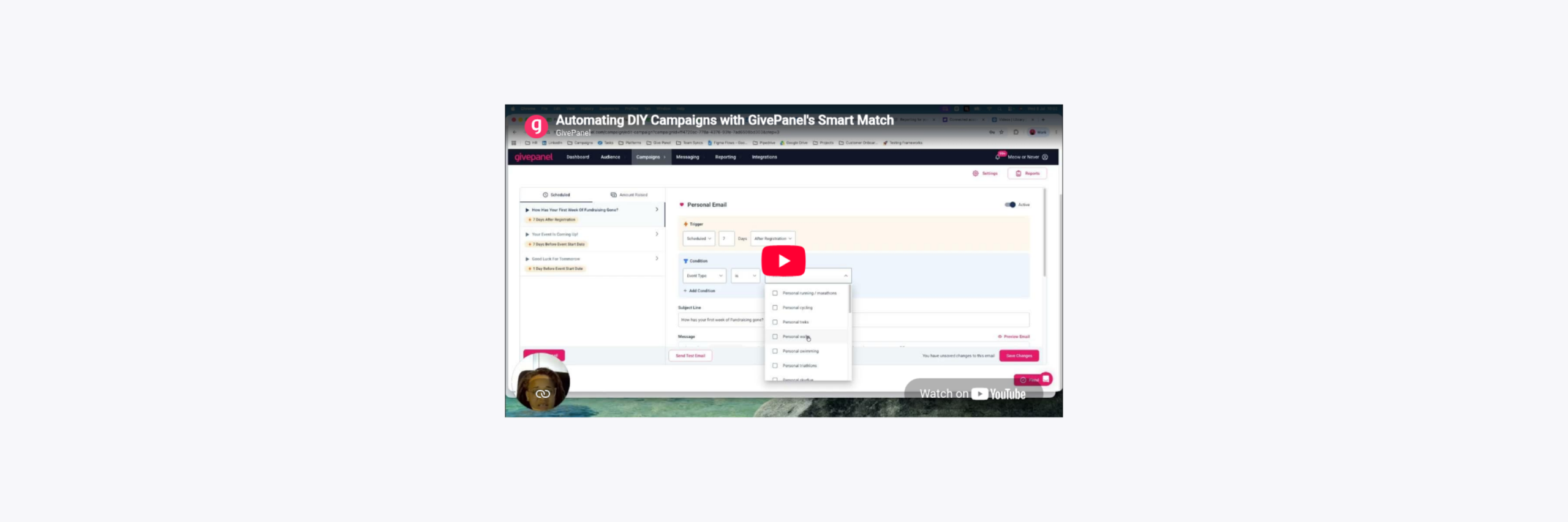
The video below is a full walkthrough of setting Smart Match up in GivePanel, recorded on a live DIY campaign. It covers where to switch it on, how to choose the event types on your DIY form, how to build a catch-all campaign for the rest, and what matched fundraisers look like when they land in your dashboard and Fundraiser List. You can follow along in your own account.
See how GivePanel could work for your charity
Book a demo with the team, or click through an interactive demo in your own time.